
Pixora
Pixora makes original images from written descriptions, with prompt-led style choices and output formats from square to widescreen.
Visit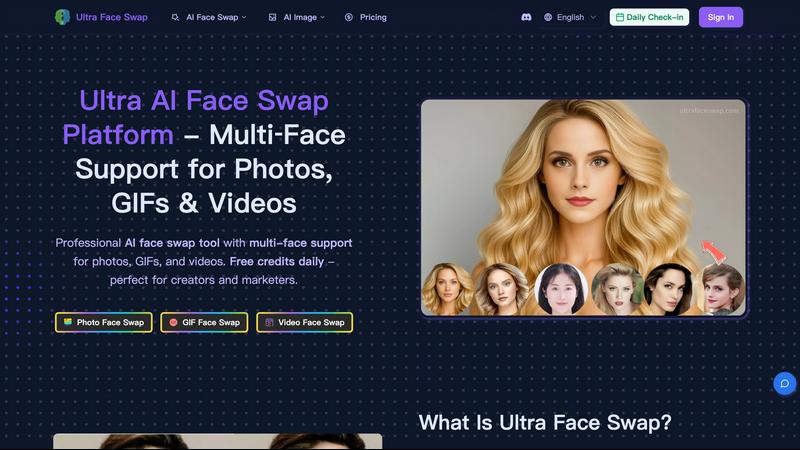
About Pixora
A written idea can become a downloadable image in Pixora: describe what should appear, add visual guidance, select an aspect ratio and start generation. Its examples span watercolor fields, pixel-art game scenes, architectural sketches and cinematic anime backgrounds. The output is available through My Works, and the site says generation commonly takes a few minutes.
The product's scope is deliberately text-based. You cannot upload a reference, request a face swap or use it to modify a photo; style is expressed in the prompt rather than selected from a dedicated menu. Automatic checks apply to both prompts and results, excluding prohibited material. This is relevant when a project needs a fresh composition generated from a description. For workflows built around an existing image, the lack of uploads is a practical limitation.
Features of Pixora
- Creates original images from text prompts
- Supports square, portrait, vertical, landscape and widescreen ratios
- Style direction is written into the prompt
- Automatically moderates prompts and generated results
Use Cases of Pixora
- Visualize a new scene from a written brief
- Try styles such as pencil sketch, watercolor or pixel art
- Generate artwork in a specific portrait or widescreen ratio
Frequently Asked Questions
How do I get a specific visual style?
Describe it in your prompt; Pixora does not have a separate style menu.
Does Pixora accept reference images?
No. It is a text-only generator with no file uploads.
Where can I find a completed image?
Open My Works and refresh if the generation is still running.
Pricing of Pixora
Each successful image generation costs 5 credits; credits are deducted only when generation succeeds.
Explore more in this category:
Similar to Pixora
FoxyLab
FoxyLab makes videos and banner sets from chat prompts or product websites, then lets users request edits in plain language.
Text Photo AI
Change existing words in photos with credit-based AI, or add a caption free in the browser and download a PNG.

PhotoboothFree
PhotoboothFree is an online photo booth for themed strips, with browser camera capture, photo uploads, filters and print-ready downloads.
MakePiecesOfUs
MakePiecesOfUs turns a pet photo into a private virtual room with puzzles, keepsakes, journals and optional daily stories.
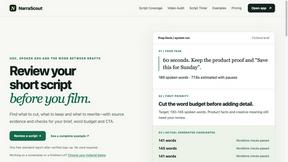
NarraScout
NarraScout gives writers and creators evidence-linked feedback on scripts, screenplays, and short videos, with checks for stated constraints.
Traecta
Traecta turns a career changer's background into a target role roadmap, with milestones, peer matching, and a portfolio for project work.

InterviewAce
InterviewAce turns a candidate's resume and target role into live interview prompts, and also offers mock interviews with feedback.
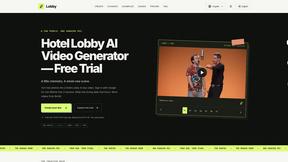
LobbyClip
LobbyClip turns two photos into short AI duo videos, with people and pet scenes, three aspect ratios and adjustable duration.