
Typebar
Every key you press lights up on an on-screen keyboard, and each shortcut is named as you press it.
Visit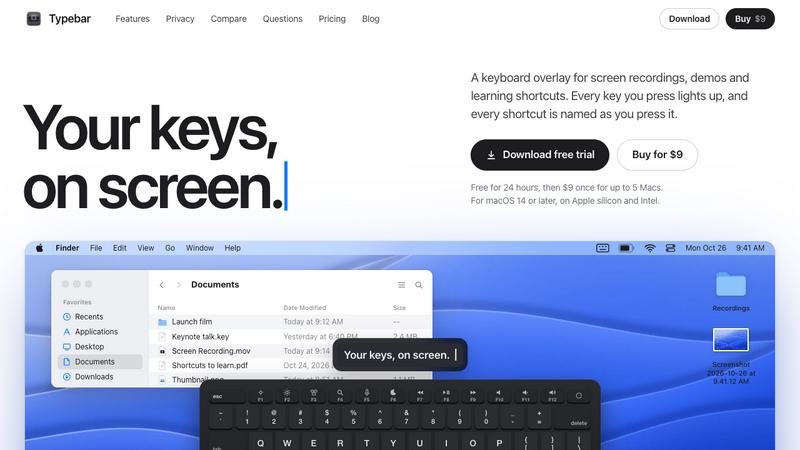
About Typebar
Typebar is a keyboard overlay for the Mac, made for screen recordings, demos and learning shortcuts. Every key you press lights up on an on-screen keyboard, and a pill names each shortcut from the app's own menus, like Screenshot Selection for Shift Command 4.
Hold a modifier and the keys show what they do in the app in front. There are cheatsheets for every app, 20 hand-made packs and your own keybindings from 11 apps. Click ripples, a cursor halo, Spotlight, six switch sounds and 40 themes with a theme editor are built in.
Password fields stay private, and nothing you type is saved or sent anywhere. Typebar can show itself when a recording starts and hide when it stops.
Free for 24 hours, then $9 once for up to 5 Macs. macOS 14 or later, on Apple silicon and Intel.
Similar to Typebar
DomainRating
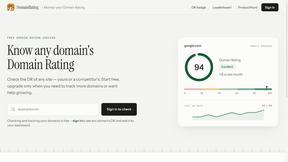
Check any domain's Domain Rating free: get a 0-100 score in seconds, follow its daily trend, and embed a live badge. Lookups stay free, no paywall.
LevCharity
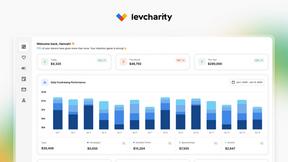
Fundraising platform for nonprofits with donations, campaigns, donor CRM, events, automated communications, reporting, and more.


GigUp
GigUp helps freelancers discover relevant Upwork jobs through AI matching, automated monitoring, and instant alerts.

Safe Outreach
AI-powered platform that evaluates the safety of LinkedIn automation tools and helps reduce the risk of account restrictions.
Cardify
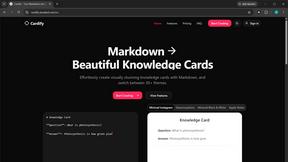
Turn Markdown into beautiful knowledge cards with 30+ themes, live preview and PNG, SVG or PDF export.

FlipHTML5 Downloader
Turn any FlipHTML5 book into a clean, watermark-free PDF. Paste the link, it auto-parses - free, open source, runs in your browser, no signup.
How Long How Many Tool
Timers and hourly checks to figure how out long until a certain time or how many days away.