
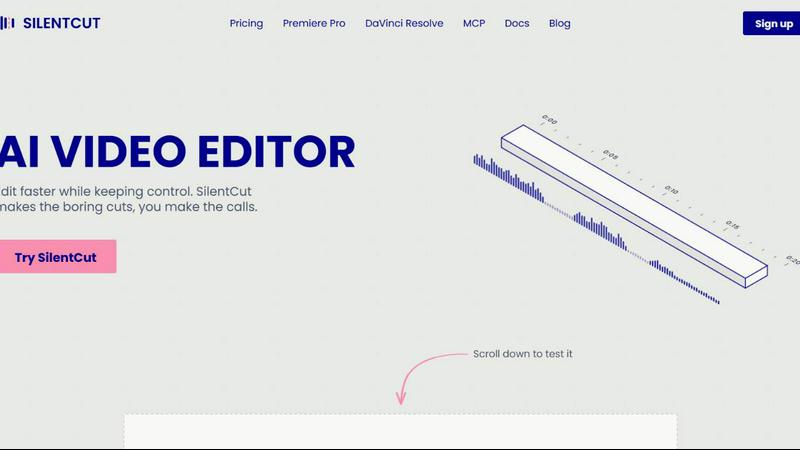
About Silentcut
SilentCut is an AI video editing plugin for editors who cut talking-head videos, podcasts and creator content. It runs inside Premiere Pro and DaVinci Resolve (free edition and Studio), and in the browser with SilentCut Studio.
Three tools take the tedious part out of an edit:
- Silence Remover finds and cuts the silent gaps, with sensitivity and minimum gap length under your control.
- Speech Cleanup removes filler words, stutters, false starts, unfinished sentences and repetitions.
- Best-Take Selector highlights every version of a repeated sentence, so you keep one take and cut the rest.
SilentCut makes the boring cuts and you make the calls. Your video stays on your machine: only the audio is uploaded.
The Silence Remover is free, with no limit. The Editor plan ($29/mo) and the Agency plan ($79/mo) add Speech Cleanup and the Best-Take Selector, with a 14-day money-back guarantee.
Similar to Silentcut

Leadeon
AI growth tool for X and LinkedIn: write posts in your voice, schedule at your best times, find leads on X and see what works.

ZombieTrend AI
Turn two photos into a cinematic zombie love story video. Free scene preview, no sign-up needed.

Bulin AI
Upload one portrait. Bulin AI puts you in the official Bulin 47 freestyle. The source video guides the moves and camera. No prompt.

Hotel Lobby AI
Two photos become one hotel lobby video. One person stands on each side of the hanging microphone. No prompt.


AudioVideo
Turn podcasts, narration, voice recordings, or music into visual content with an audio-aware AI video generator.

Piggipi
Launch Telegram ads without searching, negotiating, or messaging channel owners
WatermarkPilot
Private browser-based watermark tools for photos and PDFs, with eleven free workflows and local media processing.