
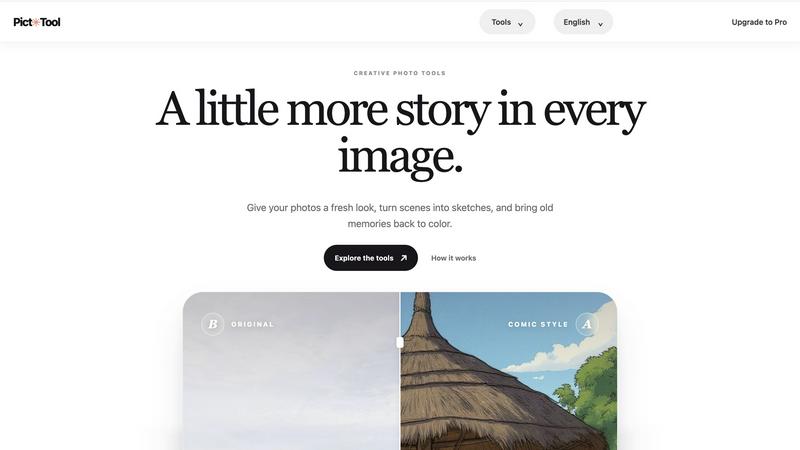
About picttool
PictTool is a browser-based collection of AI image tools for creating and editing visual content. Choose a tool for your task, upload an image or enter a prompt where supported, and follow the on-screen steps to create or refine your result. PictTool is designed for creators, marketers, designers, and anyone who wants a straightforward way to work with images online.
Explore more in this category:
Similar to picttool

RemoveObjectFromPhoto
Remove unwanted objects, people, and text from photos with AI for clean, natural-looking results in seconds.
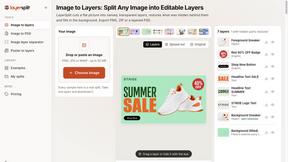
LayerSplit
Split a flat image into named, transparent layers with the background filled in. Export PNG files, a ZIP or a layered PSD. Your first split is free.
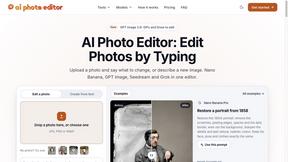
AI Photo Editor
Edit photos by typing what you want: remove objects, swap backgrounds, restore old photos and restyle portraits.
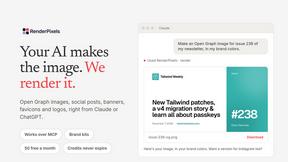
RenderPixels
MCP server that lets your AI assistant make exact-size images: social posts, link previews, banners, logos and favicon sets.
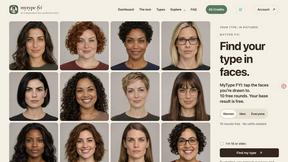
MyType FYI
Explore your visual type through ten free rounds of fictional faces, with optional portraits, posters and five-second videos.

Goshortsai
Turn photos into AI videos for free with Goshortsai. Sign in daily to get free credits.
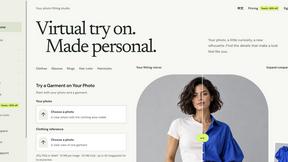
VirtualTryOn
Try on clothes, glasses, rings, hairstyles, and hair colors on your own photos with AI.
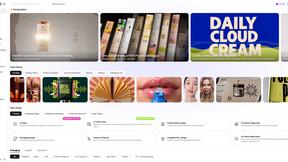
Rhinobird
AI video ads, UGC-style videos, and product visuals for cross-border sellers and e-commerce brands.