DrawPic
Precisely edit the text, numbers, or any region of an image — every pixel outside stays identical. No source file, no Photoshop.
Visit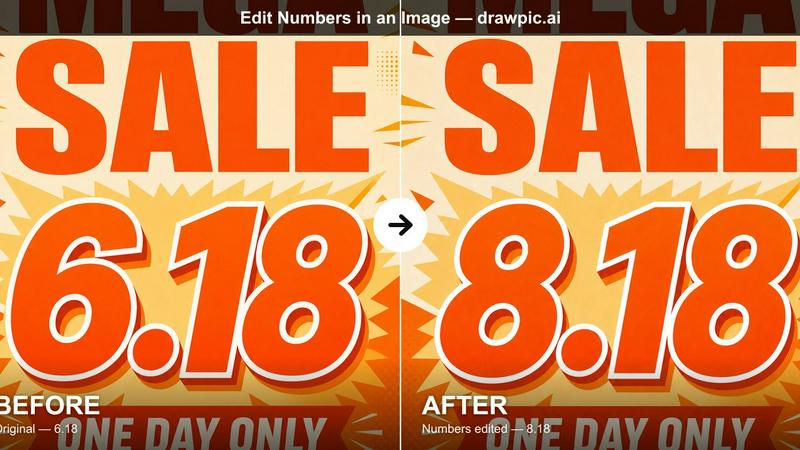
About DrawPic
DrawPic is an AI image editor built for one job: precise, one-shot edits to a finished image. Select the text, price, date, or number you want changed, type the new value, and only that region is regenerated — the font, colors, background, and everything outside the edit stay pixel-identical, so the design you already approved is never lost.
Unlike chat-based tools that redraw the whole image and drift, DrawPic gives you exact control in a single pass: no back-and-forth, no "keep the background" negotiations. Typical uses: fix a typo in a finished poster, update the price on a menu, correct a figure in a report chart, change a date, or edit any region of an image — all without the source file and without Photoshop.
Free credits on signup, pay-as-you-go credit packs, no subscription, and credits never expire.
Explore more in this category:
Similar to DrawPic
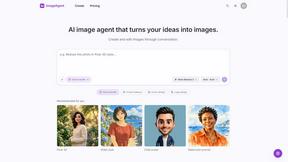
ImageAgent
Create and edit AI images through conversation, using text or reference images and refining results in chat.
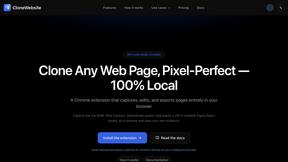
CloneWebsite
Clone any webpage pixel-perfect, export HTML/CSS/ZIP or React/Vue components.
AiAgeFilter
Free AI age filter: upload an adult portrait, add 10-40 years, meet your older self. No app needed.

AppIconGenerator
Generate iOS and Android app icons from any image and export all platform sizes for free.
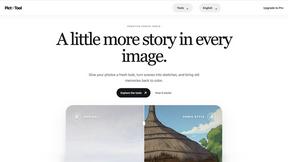
picttool
Create and edit images with a collection of easy-to-use AI tools

YIX
AI image and video generation, photo editing, restoration and free prompt tools in one browser studio.
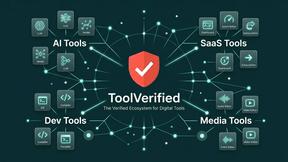
ToolVerified
A hand-checked directory where real people test every app before listing it, and community votes decide what trends on the daily charts.