
Published on:
November 17, 2026
Pricing:
About Drawcil
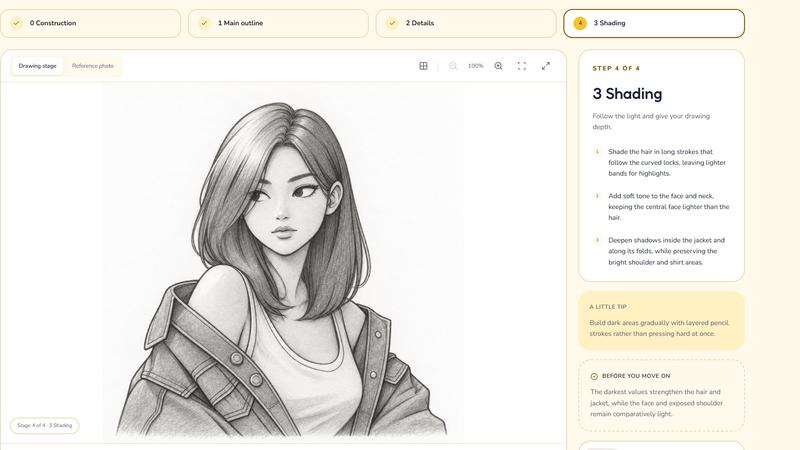
Drawcil is an interactive drawing learning platform that helps anyone learn to draw by turning any image into a simple, step-by-step drawing tutorial.
Unlike traditional drawing tutorials that teach you to recreate predefined images, Drawcil lets you choose what you want to draw. Simply upload an image, and Drawcil breaks it down into four essential drawing stages: sketching, line work, shading, and coloring. Follow each stage to understand how an artist approaches the drawing process, build your skills, and learn through hands-on practice.
Key Features:
- Practice with Images You Love: Stay motivated by learning to draw subjects that actually interest you.
- Four-Step Drawing Process: Learn through sketching, line work, shading, and coloring.
- Trace mode: Instead of free-handing you can apply a piece of paper to the screen, and draw line-by-line.
Drawcil makes learning to draw less about following generic tutorials and more about creating the art you actually want to make.
Explore more in this category:
Similar to Drawcil
PhotoboothFree
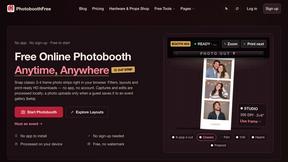
Shoot 3-4 frame photo strips in your browser. Frames, filters and print-ready 300 DPI downloads with no watermark. No app, no sign-up.
MakePiecesOfUs
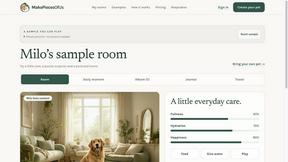
Turn your pet's photos into a private virtual room, daily care, albums and dated memories.
Traecta
Career-change roadmaps with weekly plans and a small accountability circle, for working professionals moving into tech.

Rox
A companion for people managing chronic illness: log symptoms and medications, spot patterns, and export a PDF report for appointments.
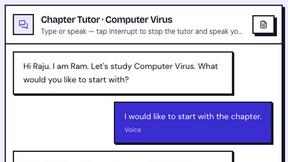
Evalyy - AI Tutor and Quiz Generator
Turn chapter PDFs into a speaking AI voice tutor & quizzes. It is the ultimate AI buddy for your exam preparation.
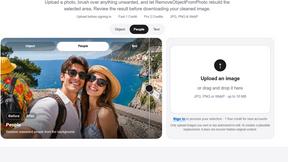
RemoveObjectFromPhoto
Remove unwanted objects, people, and text from photos with AI for clean, natural-looking results in seconds.
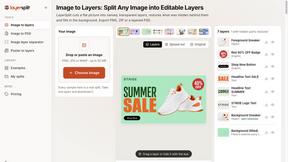
LayerSplit
Split a flat image into named, transparent layers with the background filled in. Export PNG files, a ZIP or a layered PSD. Your first split is free.
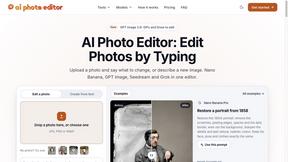
AI Photo Editor
Edit photos by typing what you want: remove objects, swap backgrounds, restore old photos and restyle portraits.