
CloneUI
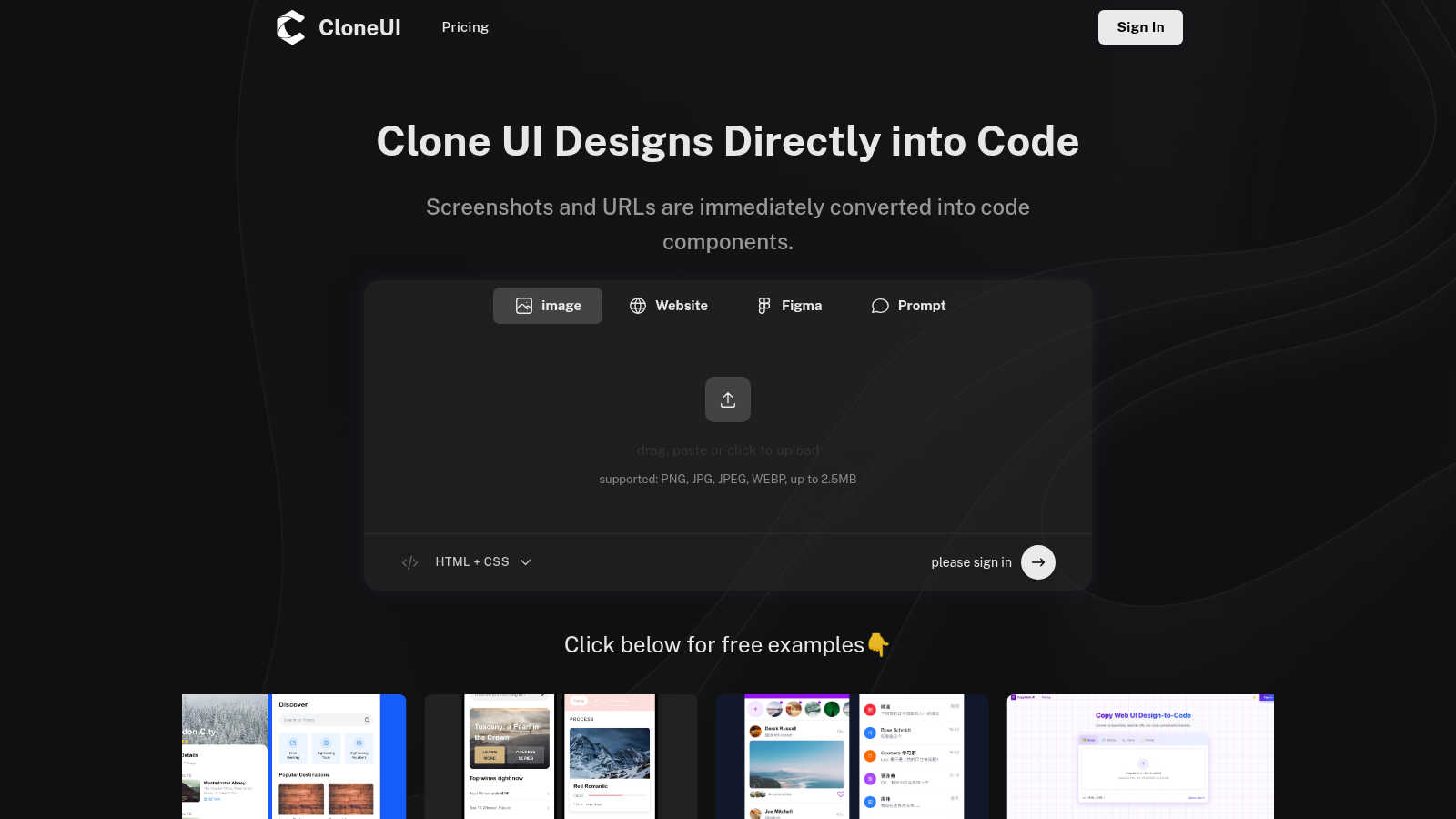
CloneUI seamlessly converts website screenshots and URLs into responsive, production-ready React, HTML, or Vue code.
VisitPublished on:
June 18, 2025
About CloneUI
CloneUI is an innovative AI-powered web cloning tool that transforms the tedious process of converting website designs into production-ready code. Designed for both novice designers and seasoned developers, CloneUI empowers users to effortlessly generate clean HTML, CSS, and framework-specific code by simply uploading a screenshot or entering a URL. This revolutionary tool streamlines the design-to-code workflow, significantly reducing the time and effort typically associated with manual coding. With intelligent component recognition technology, CloneUI accurately identifies and maps each design element to its corresponding code components, ensuring a seamless and precise transition from concept to reality. Whether you are crafting sophisticated landing pages, dynamic e-commerce sites, or personal portfolios, CloneUI equips you with the tools to bring your creative visions to life with remarkable efficiency and precision. Experience the future of web development and design with CloneUI, where the boundaries between creativity and technology dissolve.
Features of CloneUI
URL to Code
Effortlessly clone entire website structures by simply entering a URL. CloneUI captures the essence of the original site, providing a comprehensive code output that mirrors the design, ensuring that developers can recreate complex layouts with minimal effort.
Screenshot to Code
Transform your design screenshots into pixel-perfect code in seconds. By uploading a PNG, JPG, JPEG, or WEBP file, CloneUI generates clean, responsive HTML and CSS, allowing designers to focus on creativity rather than coding intricacies.
Figma to Code
CloneUI offers a seamless one-click conversion from Figma designs directly into code. This feature enhances collaboration between designers and developers by streamlining the process of translating design files into production-ready code without losing fidelity.
Intelligent Component Recognition
Utilizing advanced AI technology, CloneUI identifies and maps UI components automatically. This intelligent recognition ensures that every element of your design is accurately represented in the generated code, allowing for a smoother integration into your projects.
Use Cases of CloneUI
Rapid Prototyping
Designers can quickly create prototypes by converting screenshots or URLs into usable code, enabling faster iterations and feedback cycles. This use case is ideal for teams aiming to expedite the design validation process without sacrificing quality.
E-commerce Development
CloneUI simplifies the development of e-commerce sites by allowing developers to replicate successful online store designs. By generating responsive code from existing sites, teams can launch their projects faster while ensuring a competitive edge in design.
Portfolio Creation
Creative professionals can effortlessly build stunning portfolios by converting their design concepts into code. CloneUI provides an efficient way to showcase work, allowing users to focus on presentation rather than the complexities of coding.
Landing Page Optimization
Marketers and developers can use CloneUI to quickly create engaging landing pages. By cloning high-converting designs, users can implement best practices in web design, enhancing user engagement and conversion rates.
Frequently Asked Questions
Which input formats are compatible with CloneUI?
CloneUI supports various image formats, including PNG, JPG, JPEG, and WEBP, with a maximum file size of 2.5MB. This versatility allows users to upload their design screenshots seamlessly, enhancing the cloning process.
How is the code generated?
The code is generated through advanced AI algorithms that analyze the input design or URL. CloneUI's intelligent component recognition technology ensures that each design element is accurately translated into corresponding HTML, CSS, or framework-specific code.
Supported frameworks?
CloneUI allows export to popular frameworks such as React, Vue, and plain HTML/CSS. This flexibility ensures that developers can integrate the generated code into their preferred tech stack, streamlining the development process.
Is the generated code customizable?
Yes, the generated code can be customized to meet specific project requirements. While CloneUI aims to provide clean, production-ready code, developers have the flexibility to modify the output based on their unique needs and preferences.
Explore more in this category:
Similar to CloneUI
Egmatic
No-code 2D game editor: visual node logic, drag-and-drop scenes, live preview. Exports to Windows, macOS, Linux, Android, iOS, Web.
Forms Plugin
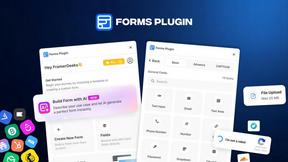
The #1 Native Form Builder Plugin for Framer - No Code, No Embeds, No External Platforms.
WatermarkPilot
Private browser-based watermark tools for photos and PDFs, with eleven free workflows and local media processing.
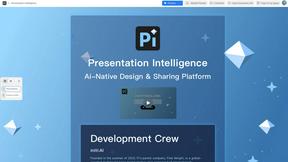
Presentation Intelligence
AI-native presentation and visual content platform that turns prompts, documents, images, videos, and data into polished, shareable decks.

ProfileLoom
ProfileLoom turns one photo into platform-ready AI portraits for professional, social, and creator profiles, with presets and built-in editing.
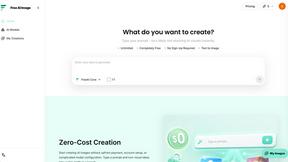
Free AI Image
Free AI Image is a free text-to-image AI generator for creating clean visual drafts from prompts with no sign-up required.

Built2WinWeb AI SEO
Custom PHP websites, AI Indexing Pack ($599 one‑time), and WebAgentScan SaaS ($9/mo). MCP, A2A, llms.txt, full ownership.