
AI Filter
Transform your photos into stunning AI art with one click, exploring countless unique styles for every creative vision.
Visit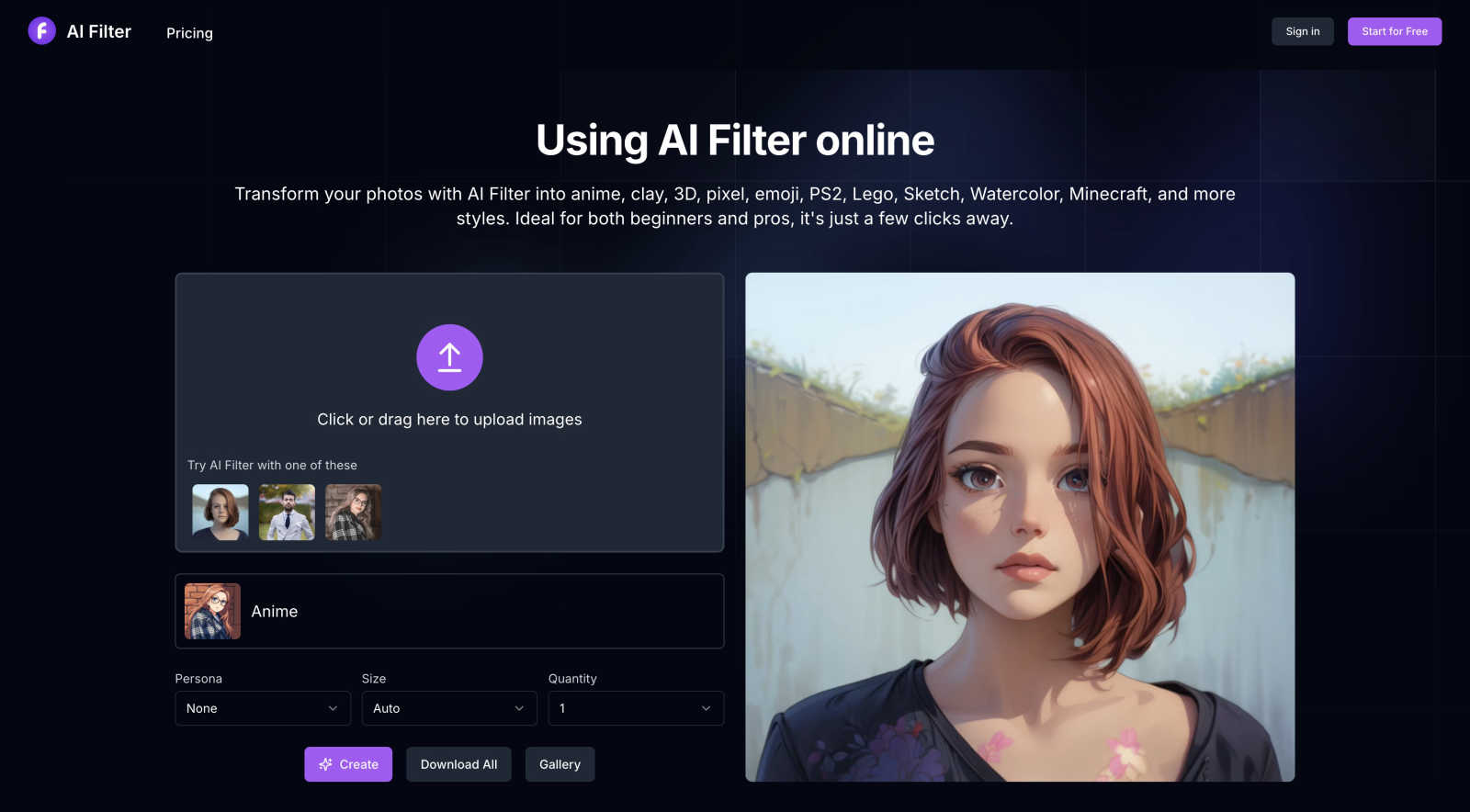
About AI Filter
AI Filter represents the zenith of digital artistry, merging cutting-edge artificial intelligence with user-friendly design to revolutionize photo transformation. This elite web-based platform empowers users to reimagine ordinary photographs into a myriad of captivating artistic styles, transcending the limitations of traditional filters. From vibrant anime aesthetics to tactile clay sculptures, nostalgic pixel art, and the iconic visuals reminiscent of PS2 and Minecraft, AI Filter caters to both professional digital artists and casual social media users. Its main value proposition lies in democratizing high-end artistic rendering, allowing anyone to create studio-quality visual statements without requiring technical expertise. With just a few clicks, users unlock a universe of creative potential, turning everyday memories into extraordinary, gallery-worthy pieces that captivate and inspire.
Features of AI Filter
AI Anime Filter
Transform your photos into vibrant anime styles that capture the essence of Japanese animation. This feature brings a playful and dynamic aesthetic, perfect for creators looking to engage their audience with eye-catching visuals.
AI Clay Filter
Experience the tactile appeal of three-dimensional artistry with the AI clay filter. This feature transforms your images into beautifully crafted clay-style works, offering a unique texture and depth that traditional filters cannot match.
AI PS2 Filter
Nostalgia meets modern technology with the AI PS2 filter. This feature allows users to convert their photos into iconic PS2 game visuals, making it ideal for gamers and creatives alike. Relive the charm of classic gaming aesthetics with ease.
AI Pixel Filter
Rediscover the charm of retro gaming with the AI pixel filter. This feature seamlessly converts images into pixel art, evoking the distinct style of early computer graphics. Perfect for those who appreciate a blend of nostalgia and innovation in their visual content.
Use Cases of AI Filter
Social Media Content Creation
AI Filter is perfect for social media enthusiasts who want to stand out. By transforming ordinary photos into stunning artistic pieces, users can elevate their online presence, attracting more engagement and followers.
Professional Portfolio Development
Digital artists can utilize AI Filter to rapidly conceptualize and generate diverse styles for their portfolios. This tool enables them to showcase versatility and creativity, demonstrating their ability to adapt to various artistic trends.
Personalized Gifts
Create unique and personalized gifts for friends and family by transforming cherished photos into artistic masterpieces. AI Filter allows you to give a thoughtful and custom touch to any occasion, making memories last a lifetime.
Marketing and Branding
Businesses can leverage AI Filter to enhance their marketing visuals, creating captivating graphics for promotions, advertisements, or social media campaigns. This tool adds a professional flair, helping brands to communicate their message more effectively.
Frequently Asked Questions
What is an AI filter?
An AI filter is an advanced tool that utilizes artificial intelligence technology to enhance and transform photos. It automatically analyzes elements within an image to apply various effects, such as color adjustments and style transfers, making photos more visually appealing.
Are AI Filter services free?
While using AI Filter requires credits, new users receive 10 complimentary credits upon registration. Additional credits can be purchased separately, allowing for continued access to the platform's features.
What image formats does AI Filter support?
AI Filter currently supports multiple image formats, including png, jpg, jpeg, and webp. This versatility ensures that users can upload and transform their photos regardless of the format.
What types of filters and effects are available?
AI Filter offers a wide range of styles, including anime, clay, 3D, pixel, and emoji filters. The platform is continually evolving, with plans to add more filters to enhance creativity and artistic expression.
Explore more in this category:
Similar to AI Filter
RemoveObjectFromPhoto
Remove unwanted objects, people, and text from photos with AI for clean, natural-looking results in seconds.
LayerSplit
Split a flat image into named, transparent layers with the background filled in. Export PNG files, a ZIP or a layered PSD. Your first split is free.
AI Photo Editor
Edit photos by typing what you want: remove objects, swap backgrounds, restore old photos and restyle portraits.
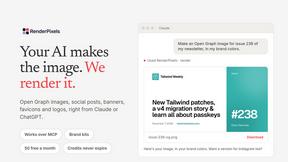
RenderPixels
MCP server that lets your AI assistant make exact-size images: social posts, link previews, banners, logos and favicon sets.
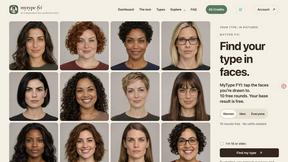
MyType FYI
Explore your visual type through ten free rounds of fictional faces, with optional portraits, posters and five-second videos.
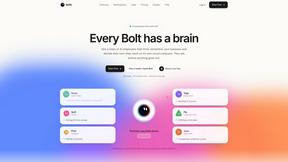
Bolts
AI employees with a brain and their own cloud computer. They think, remember your business and work 24/7.
Goshortsai
Turn photos into AI videos for free with Goshortsai. Sign in daily to get free credits.
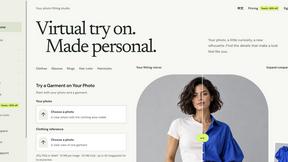
VirtualTryOn
Try on clothes, glasses, rings, hairstyles, and hair colors on your own photos with AI.