

Alternatives to NeverDrop
NeverDrop helps field sales reps capture meeting details, enrich contacts and send AI-drafted follow-ups from a mobile app, including offline.
20 alternatives found
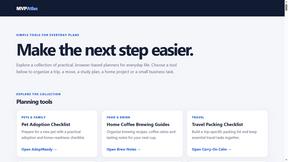
MPV Atlas
MPV Atlas is a free browser app with interactive checklists, planners and calculators for everyday home, travel, study and work tasks.
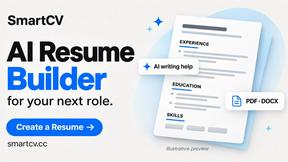
SmartCV
SmartCV combines editable resumes, AI suggestions, resume text checks, and job records for people preparing their next applications.
Traecta
Traecta turns a career changer's background into a target role roadmap, with milestones, peer matching, and a portfolio for project work.
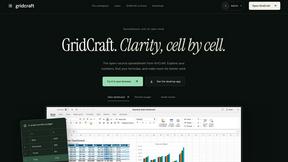
GridCraft
GridCraft is an open-source spreadsheet for working with XLSX files, formulas, charts, and data summaries on desktop or in a browser.
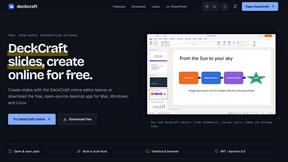
DeckCraft
A free, open-source presentation editor for browser and desktop, with .pptx support and downloads for macOS, Windows, and Linux.

MyToolsBench Image Converter
Convert images in your browser with per-file format, quality and resize controls, without uploading files or setting a file count limit.

Rox
Rox organizes chronic illness symptoms, medications and wearable data into doctor ready reports for appointment preparation.
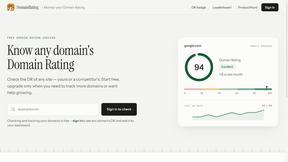
DomainRating
Use DomainRating to check website DR, monitor score trends across a portfolio, and embed a live rating badge on a site.
Leadmatically
Leadmatically identifies potential buyers in social discussions and helps businesses reach out through connected accounts or email.
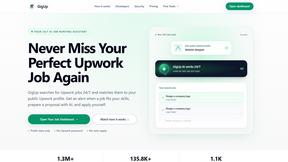
GigUp
GigUp tracks Upwork searches for freelancers, scoring new jobs against public profiles and sending alerts for jobs worth reviewing.

Greatooly
Greatooly is an iPhone app discovery directory that organizes everyday tools by category and provides pricing notes and official sources.

Safe Outreach
Safe Outreach checks Chrome extensions against LinkedIn's published detection fingerprints and explains what a match may mean for account safety.
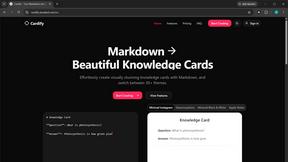
Cardify
Cardify turns Markdown into shareable knowledge cards with 30+ themes, live previews, and batch export in PNG, SVG, or PDF.

FlipHTML5 Downloader
FlipHTML5 Downloader turns FlipHTML5 publications into high-quality PDFs and provides a discovery page for popular flipbooks.
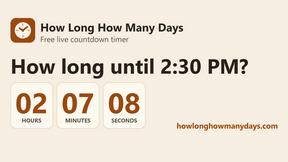
How Long How Many Countdown Timer
A free browser countdown for exact times and dates, with all-minute pages, date counts, and a display suited to a classroom or second screen.

Memorable Contact
AI-powered personal CRM that remembers where you met people and what you talked about. Save, scan, and recall contacts instantly.

Nautis
Nautis gives startups an AI Chief of Staff that connects business context, prepares work, and asks for approval before taking action.
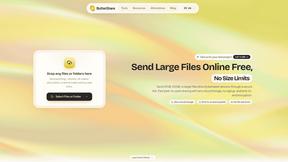
ButterShare
ButterShare moves files directly between browsers over encrypted WebRTC, with optional expiring cloud links for sharing files asynchronously.
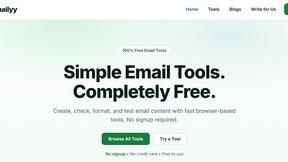
Emailyy
Emailyy provides free, no-signup browser tools for email signatures, subject line checks, HTML previews, text counts, and raw header analysis.

About NeverDrop Alternatives
For field sales workflows, compare tools by how quickly they capture meeting context, whether they can work offline and how contacts reach your CRM. A contact-only scanner may suit teams that do not need AI follow-up drafting or team activity tracking. Check device availability and CRM support against your team's setup.
FAQs about NeverDrop Alternatives
What should I compare with another contact capture app?
Check card scanning, conversation context capture, offline access and the steps needed to follow up.
What should a team check before switching?
Confirm supported mobile devices and whether the CRM and email services match its current workflow.