
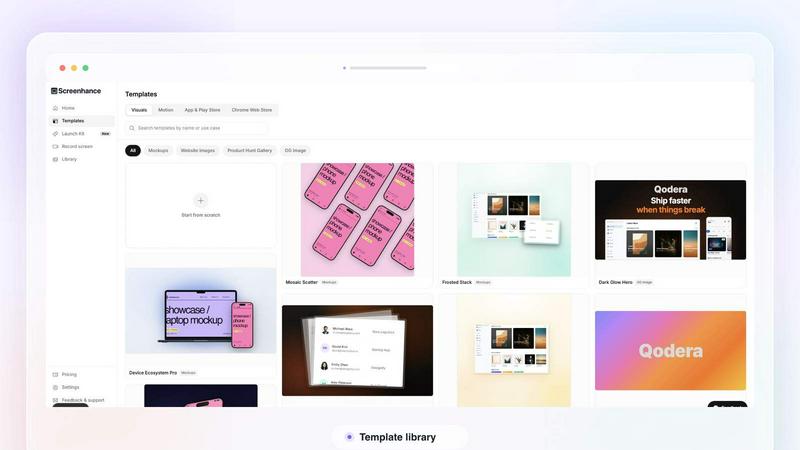
About Screenhance
Screenhance is an all-in-one visual creation toolkit for founders, developers and marketers. Turn ordinary images, screenshots into polished device mockups, App Store screenshot sets, website graphics, social assets and animated product videos. Create visuals using customizable templates, device frames, backgrounds, text and motion, or record your screen and transform the recording into a professional product demo. Screenhance also helps you build coordinated launch assets for channels such as Product Hunt and social media. Export your work as high-quality images, GIFs or videos, without needing professional design or video-editing skills.
Similar to Screenhance
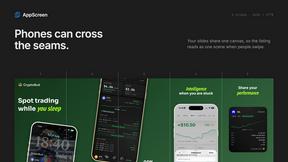
AppScreen
Panorama screenshot editor for App Store listings on iPhone and iPad.
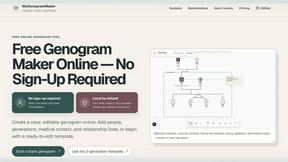
MyGenogramMaker
Browser-based genogram editor with family symbols, relationship lines and editable templates
WatermarkPilot
Private browser-based watermark tools for photos and PDFs, with eleven free workflows and local media processing.
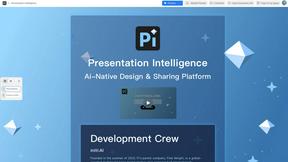
Presentation Intelligence
AI-native presentation and visual content platform that turns prompts, documents, images, videos, and data into polished, shareable decks.

ProfileLoom
ProfileLoom turns one photo into platform-ready AI portraits for professional, social, and creator profiles, with presets and built-in editing.
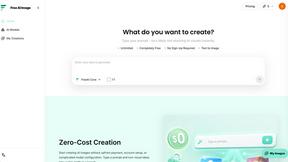
Free AI Image
Free AI Image is a free text-to-image AI generator for creating clean visual drafts from prompts with no sign-up required.
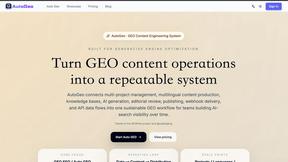
Text Logo
Create custom text, wordmark, and typography logos with flexible SVG, PNG, WebP, or ICO exports.
