
MindMap AI
MindMap AI transforms your ideas into precise, editable mind maps with intelligent co-creation.
Visit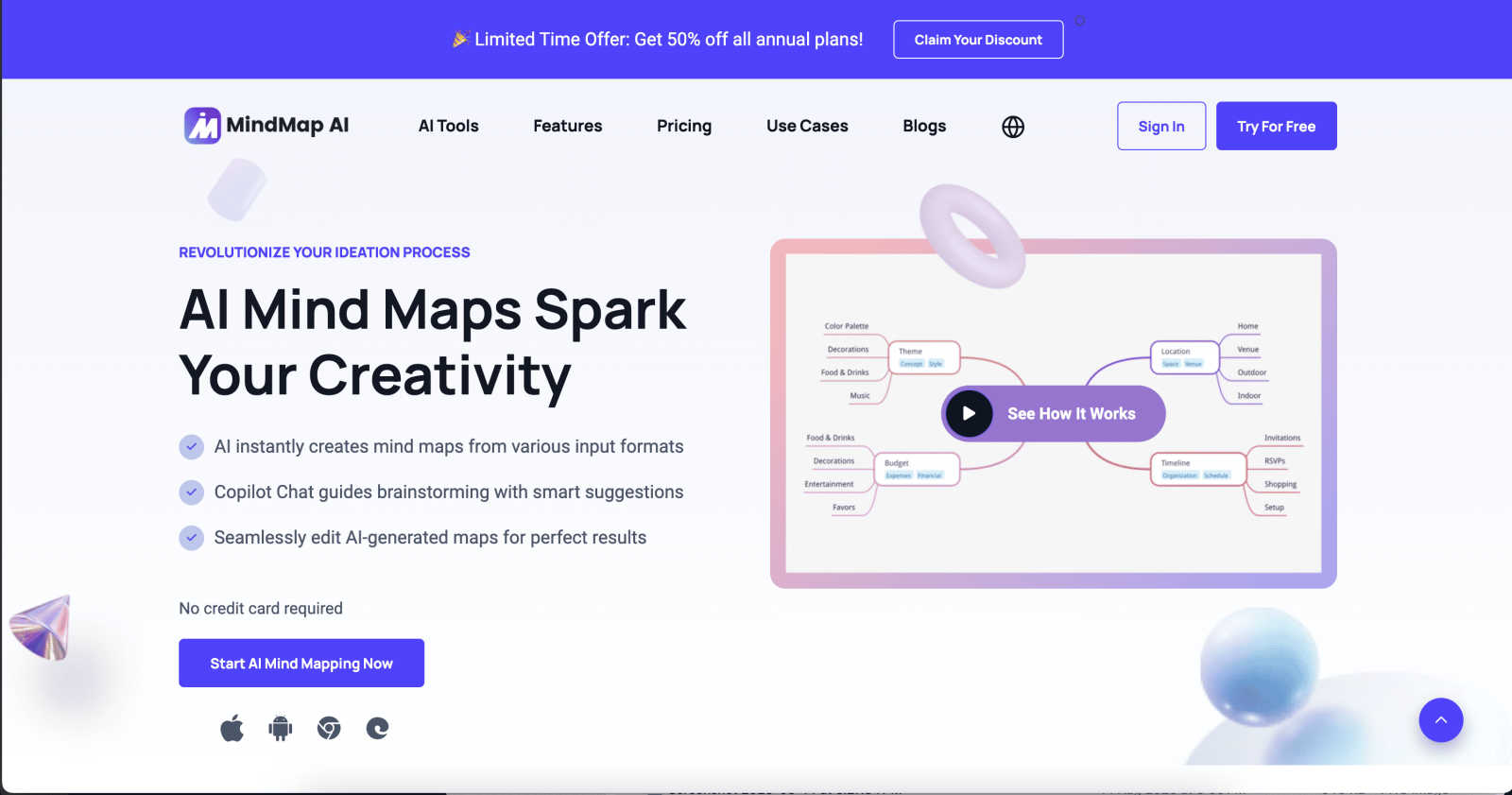
About MindMap AI
MindMap AI redefines the frontier of strategic ideation as the premier AI-powered mind mapping platform engineered for elite professionals, researchers, and high-performing teams. It transcends traditional brainstorming tools by serving as an intelligent thinking partner, one that dynamically converts complex, unstructured inputs—from documents and PDFs to audio recordings and video—into impeccably structured, visual mind maps. This is not mere automation; it is a sophisticated reasoning engine designed to grasp context, hierarchy, and nuanced relationships, ensuring every generated map is meaningful, accurate, and actionable from the first iteration. Tailored for corporate productivity and deep intellectual work, MindMap AI empowers organizations to distill chaos into clarity, transforming scattered knowledge and meeting insights into streamlined workflows, project plans, and strategic frameworks within minutes. With its commitment to preserving user control through features like stable co-editing and multi-language support, it provides an exclusive, frictionless environment for collaborative genius across web, mobile, and extension platforms, elevating collective productivity to unprecedented heights.
Features of MindMap AI
The New Brain: AI Thinking Mode
This proprietary step-by-step reasoning engine is the core of MindMap AI's precision. It meticulously analyzes your input for context, logical hierarchy, and relational depth before generating a single branch. This ensures every mind map is structurally sound, semantically accurate, and immediately useful, eliminating the noise and randomness of inferior AI tools. It delivers clarity on the first try, reflecting real, coherent thinking.
File-to-Map Conversion: Universal Input Processing
Effortlessly transform any source material into a beautiful, editable mind map. The platform ingests and intelligently structures content from text snippets, PDFs, images, audio files, videos, Markdown, CSV, and more. This capability allows professionals to bypass the tedious manual formatting phase entirely, diving straight into advanced analysis, planning, and creative expansion of ideas derived from their existing assets.
MindMark Stability: Respectful AI Co-Editing
MindMap AI sets a new standard for collaborative intelligence with its stable editing environment. The AI functions as a respectful co-pilot, expanding and summarizing around your ideas without ever overwriting your manual edits, custom layouts, or personal structural choices. This guarantees that your intellectual ownership and design integrity remain untouched, fostering a truly collaborative partnership between human intuition and machine efficiency.
Flexible Layouts & Instant Aesthetics
Visualize your project from every strategic angle by seamlessly switching between Mind Map, Organizational Chart, and Logic Chart views without rebuilding your structure. Coupled with a library of curated, presentation-ready themes, this feature allows for instant professional polish. Complete with deep customization options for colors, fonts, shapes, and actionable widgets like Priority Flags, it turns abstract ideas into compelling, actionable visual plans.
Use Cases of MindMap AI
Strategic Planning and Business Development
Leadership and strategy teams utilize MindMap AI to deconstruct complex business challenges, model negotiation strategies, and visualize growth frameworks. By converting market research, SWOT analyses, and meeting recordings into dynamic maps, they can identify second-order connections, allocate resources efficiently, and build clear, actionable roadmaps that align entire organizations, moving seamlessly from ideation to execution.
Academic Research and Thesis Structuring
Researchers, PhD candidates, and students leverage the platform to synthesize vast amounts of literature, data sets, and notes into coherent visual structures. The AI helps organize arguments, outline chapters, and reveal hidden relationships between concepts across multiple sources. This transforms the daunting task of structuring complex academic work into a streamlined, manageable, and deeply insightful process.
Project Management and Agile Workflow Design
Project managers and product teams employ MindMap AI to map out project timelines, stakeholder relationships, and agile sprint plans. The ability to convert project briefs, CSV data, and meeting notes into logic charts and org charts provides unparalleled clarity on dependencies and responsibilities. This visual approach streamlines communication, mitigates risk, and turns project complexity into a clear, collaborative workflow.
Creative Brainstorming and Content Architecture
Marketing teams, writers, and creative directors use the tool to fuel collaborative brainstorming sessions and architect content strategies. By feeding in creative briefs, competitor analyses, and multimedia inspiration, they can generate expansive idea maps, plot content calendars, and visually storyboard campaigns. The multi-language support and aesthetic controls ensure ideas are not only generated but are also presentation-ready for clients and stakeholders.
Frequently Asked Questions
How does MindMap AI ensure the accuracy of its generated mind maps?
MindMap AI employs its proprietary "New Brain" reasoning engine, which is specifically designed for accuracy. Unlike standard language models that may assemble text arbitrarily, this engine performs a step-by-step analysis of your input's context, hierarchy, and relational logic before constructing the map. This deliberate process ensures the output is structurally meaningful and reflects genuine understanding, not just associative word generation.
Can I edit the mind maps after the AI creates them?
Absolutely. You retain complete creative and structural control. MindMap AI is built for continuous and collaborative editing. You can manually add, delete, or rearrange nodes, change styles, and incorporate widgets. The AI's unique MindMark Stability feature ensures it will never overwrite your manual edits; it only expands or summarizes upon your request, acting as a reliable co-pilot that respects your work.
What types of files can I convert into a mind map?
The platform supports a comprehensive range of inputs for conversion. You can transform text documents, PDFs, images (with extractable text), audio recordings, video files, Markdown documents, CSV/Excel data, JSON, XML, and HTML into clean, structured mind maps. This universal processing capability is designed to be the central hub for all your ideation source material.
Is MindMap AI suitable for team collaboration?
Yes, it is engineered for professional team collaboration. Teams can co-edit maps in real-time, leveraging the AI assistant collectively to brainstorm and refine ideas. The flexible views (Mind Map, Org Chart, Logic Chart) and customizable, shareable outputs make it ideal for aligning teams, presenting strategies, and building actionable plans that ensure everyone operates from a single source of visual truth.
Explore more in this category:
Similar to MindMap AI
DebutPin
Indie product playground — ship, and collect pins

Wordy
Learn languages with real movie and TV show clips.

Egmatic
No-code 2D game editor: visual node logic, drag-and-drop scenes, live preview. Exports to Windows, macOS, Linux, Android, iOS, Web.
Kody Tools
Free collection of online developer utilities, code formatters, and digital converters designed to streamline your daily workflow.
Tally Counter
Online tally counter for tracking attendance, workouts, inventory, visitors, sports scores, habits, and everyday counting tasks.

Forms Plugin
The #1 Native Form Builder Plugin for Framer - No Code, No Embeds, No External Platforms.
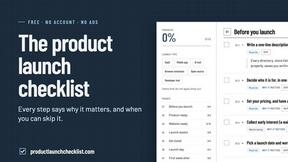
Product Launch Checklist
A free launch checklist for SaaS, apps, AI tools and more. Every step says why it matters and when you can skip it.

HomeAnswerBook
Practical, independent guides to home repairs, maintenance, costs, troubleshooting, and everyday fixes.