
About Image to Layers AI
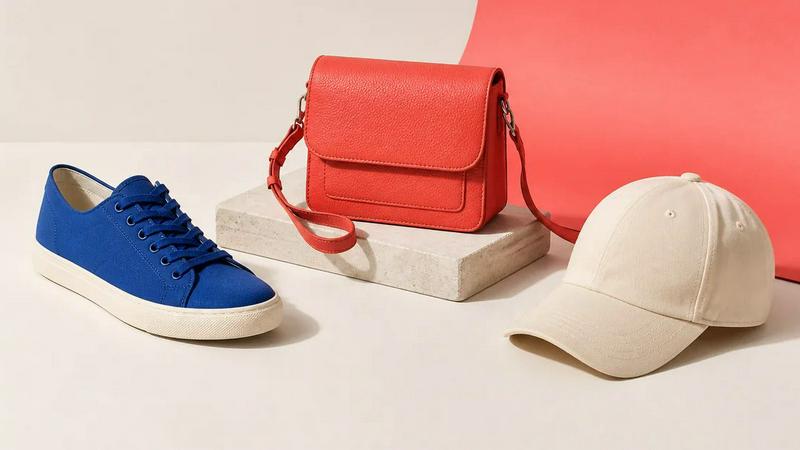
Turn any image into editable layers with AI. Upload a picture and get the subject, background, and objects as separate transparent PNG (RGBA) layers in about a minute. Works in any editor like Photoshop, Figma, or After Effects. Ideal for designers, motion artists, and developers who need quick, clean layer stacks without manual masking.
Similar to Image to Layers AI
nanobanana 21
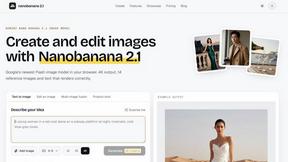
A fast image studio for creating and editing high-quality images with accurate details, readable text, and consistent characters.
AppScreen
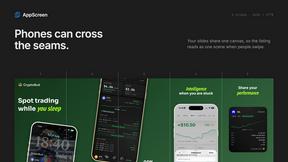
Panorama screenshot editor for App Store listings on iPhone and iPad.
ImageGenerator
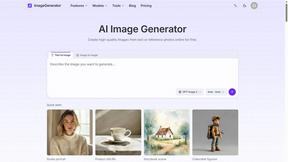
Create and edit AI images online with multiple models, text-to-image, image-to-image, background removal, and upscaling.
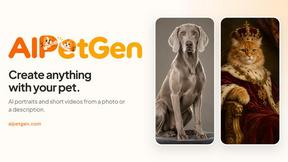
AIPetGen
AIPetGen turns a photo of your dog, cat, or other pet, or a written description, into a new picture or a short animation.
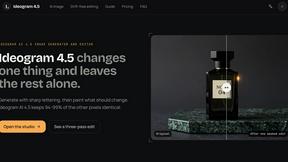
ideogram-45
AI image generation and editing with sharp typography, native 2K output, and localized edits.
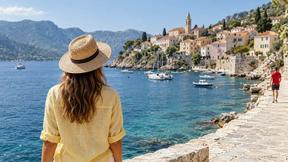
AI Object Remover
Remove unwanted objects, people, text and watermarks from photos with AI
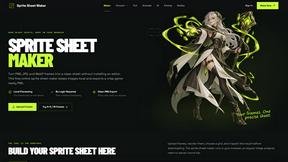
Sprite Sheet Maker
A free browser-based toolkit for creating, cutting, converting, and previewing sprite sheet animations.