
CreateImg vs Proofapp
Side-by-side comparison to help you choose the right tool.

CreateImg transforms your ideas into unique, high-quality images in seconds, effortlessly bringing your vision to life.
Last updated: March 1, 2026

Proofapp
Streamline your design reviews with visual feedback directly on your website for faster, clearer communication.
Last updated: March 4, 2026
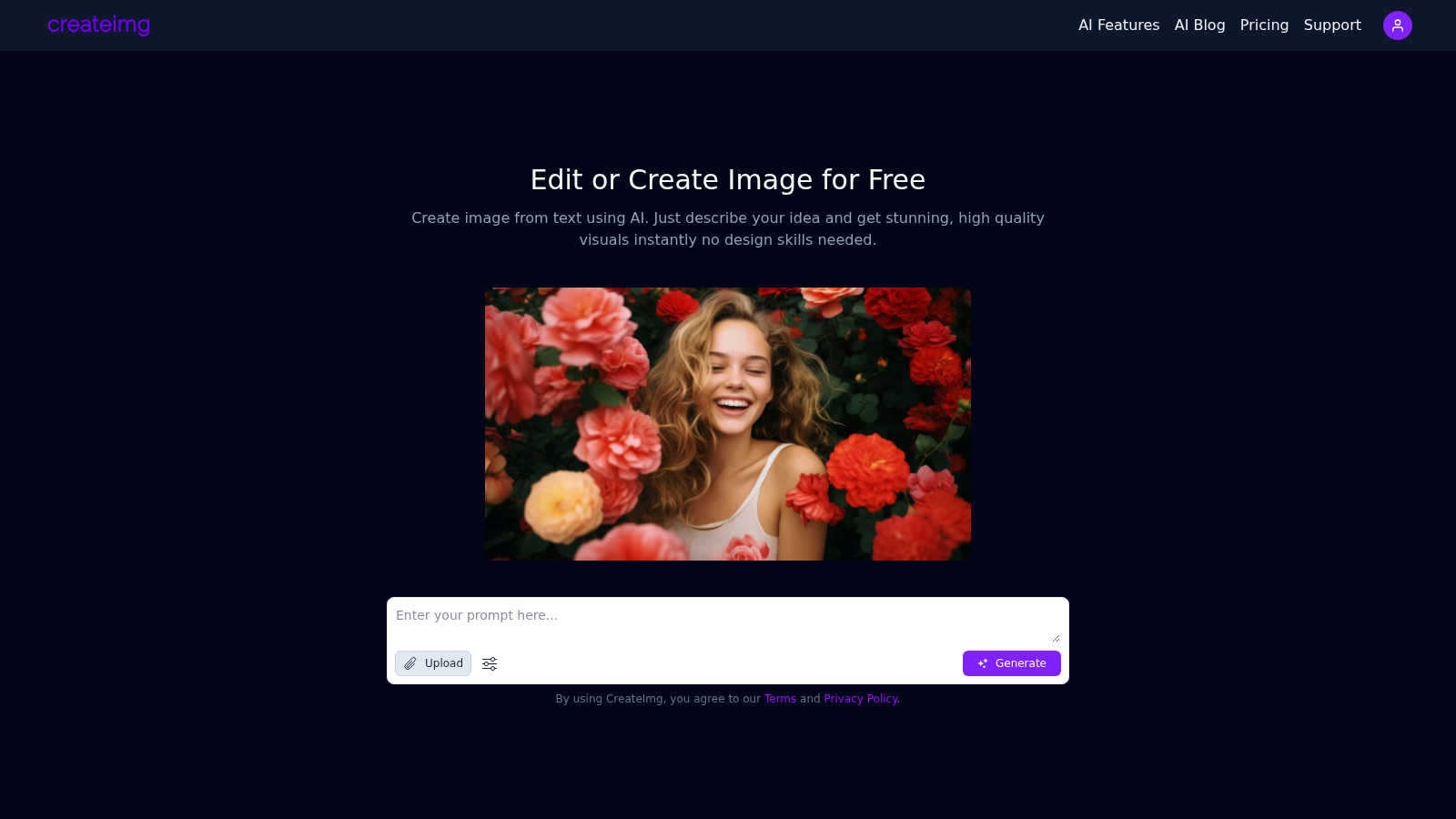
Visual Comparison
CreateImg
Proofapp

Feature Comparison
CreateImg
AI Image Generation
Harness the power of AI to generate unique images from straightforward text prompts. Simply describe your idea, and CreateImg transforms it into high-quality artwork, complete with vivid colors and intricate details, allowing for limitless creative possibilities.
Automatic Background Removal
Effortlessly enhance your photos by utilizing the automatic background removal feature. This tool quickly isolates subjects from their backgrounds, enabling users to create clean and professional-looking images without the need for complex editing skills.
Custom Style Selection
Choose from various artistic styles, including realistic, drawing, cartoon, and creative options. This feature allows users to tailor their images to fit specific project needs, ensuring that each visual aligns perfectly with their overarching theme and aesthetic.
AI Upscaling
Enhance the quality of your images with AI upscaling technology. This feature improves the resolution of your photos, ensuring that even the smallest details are preserved while enlarging the image, making it ideal for prints or high-resolution displays.
Proofapp
Visual Commenting
With Proofapp, users can click anywhere on a screenshot to leave contextual feedback, eliminating the ambiguity often found in traditional feedback methods. Instead of vague directions like "top left, under the nav," comments are pinned exactly where they are needed, fostering clear communication.
Multi-Breakpoint Testing
Proofapp automatically captures screenshots at both desktop and mobile breakpoints, ensuring that feedback is relevant across various devices. This feature allows teams to evaluate user experience on multiple platforms simultaneously, making it easier to identify issues that may arise in different contexts.
Real-time Collaboration
Experience the power of real-time collaboration with Proofapp. Team members can view comments as they are made, enabling instant replies and resolutions. This dynamic interaction helps keep projects moving forward without delays, ensuring that everyone stays on the same page.
Secure Share Links
Share projects with clients using secure, expirable links that ensure confidentiality and control. Clients can view and comment on the project without needing an account, simplifying the feedback process and making it accessible for all stakeholders involved.
Use Cases
CreateImg
Social Media Content Creation
CreateImg is the perfect tool for social media enthusiasts looking to elevate their content. Generate eye-catching visuals for Instagram Reels, Facebook posts, and WhatsApp stories, all tailored to match your desired mood and theme.
Blogging and Website Graphics
Enhance your blog or website with original images that capture your audience's attention. CreateImg allows you to generate unique visuals that align with your written content, making your digital presence more engaging and visually appealing.
Marketing and Advertising
Marketers can leverage CreateImg to produce compelling visuals for campaigns and advertisements. With the ability to create custom images on demand, businesses can stay ahead of trends and ensure their marketing materials are fresh and relevant.
Educational Visuals
Educators and students can use CreateImg to develop unique graphics for presentations and projects. Whether illustrating complex concepts or creating engaging visual aids, this tool simplifies the process of crafting educational content that captures attention.
Proofapp
Freelancers
Freelancers can leverage Proofapp to streamline client approvals and feedback collection without the overhead of complex tools. The platform enhances professionalism while saving hours on each project, allowing freelancers to focus on what they do best—creating exceptional work.
Design Teams
Design teams can utilize Proofapp to receive precise, visual feedback pinned directly on their designs. This level of detail helps avoid miscommunication and ensures that revisions are made swiftly and accurately, ultimately leading to a more polished final product.
Marketing Teams
Marketing teams can benefit from Proofapp by reviewing landing pages and campaigns visually with their entire team. This collective approach to feedback ensures that marketing efforts are aligned and effective, maximizing engagement and conversion rates.
Small Development Teams
Small development teams can streamline their workflow by using Proofapp to gather client feedback efficiently. The platform's intuitive design allows for easy collaboration, reducing the time spent on feedback loops and enhancing overall productivity.
Overview
About CreateImg
CreateImg is a cutting-edge, entirely free AI image editor that redefines the way individuals enhance and stylize their photographs. Designed for both seasoned photographers and budding content creators, CreateImg simplifies the image editing process with a suite of advanced features that includes automatic background removal and AI upscaling. This platform serves a diverse audience, from hobbyists seeking quick and professional results to those without any design skills looking to bring their creative visions to life. The core value proposition of CreateImg lies in its ability to democratize image editing by offering a user-friendly interface that streamlines the creative process. By harnessing the power of advanced AI technology, CreateImg enables users to generate stunning visuals from simple text descriptions, allowing anyone to create high-quality images instantly. With its commitment to efficiency and quality, CreateImg transforms traditional design barriers, making creativity accessible to all.
About Proofapp
Proofapp is a cutting-edge visual feedback and website review platform designed to revolutionize the way designers, developers, and clients collaborate on projects. By allowing users to upload any website URL, Proofapp automatically captures both desktop and mobile screenshots, streamlining the feedback process significantly. This platform empowers teams to pin comments directly on designs, engage in threaded discussions, attach pertinent files, and resolve feedback efficiently, all without the need for creating an account. With features like real-time notifications, Slack integration, and customizable accent colors, Proofapp addresses the common pitfalls of traditional feedback methods. It helps eliminate the confusion of scattered emails and vague revision notes, ensuring that all feedback is not only visual but also organized and actionable. Whether you are a freelancer collecting client feedback or an agency managing multiple projects, Proofapp offers a seamless solution that enhances productivity and clarity.
Frequently Asked Questions
CreateImg FAQ
How does CreateImg generate images from text?
CreateImg utilizes advanced AI algorithms to interpret user-provided text prompts and transform them into visually stunning images. Just describe your idea, and the AI will create a unique visual representation based on your description.
Is CreateImg really free to use?
Yes, CreateImg is completely free to use. There are no hidden fees or subscriptions, allowing anyone to access its powerful image editing features without financial commitment.
What types of styles can I choose from when generating images?
Users can select from a variety of artistic styles, including realistic, drawing, cartoon, and creative. This flexibility ensures that the generated images align perfectly with the specific needs and themes of your projects.
Can I use the images created on CreateImg for commercial purposes?
Yes, images generated with CreateImg can be used for commercial purposes, including marketing and advertising. However, it is advisable to review the terms of service to ensure compliance with any usage guidelines.
Proofapp FAQ
How does Proofapp improve the feedback process?
Proofapp transforms the feedback process by allowing users to pin comments directly on screenshots, reducing miscommunication and ensuring that feedback is clear and actionable.
Is Proofapp suitable for large teams?
While Proofapp is designed with smaller teams in mind, its features like real-time collaboration and secure share links make it adaptable for larger teams looking for a streamlined feedback solution.
Can clients provide feedback without creating an account?
Yes, Proofapp allows clients to leave feedback through secure, expirable links without the need for an account, making the process easier and more accessible.
How does the pricing structure work?
Proofapp offers an early bird pricing model for the first 1,000 users, allowing them to lock in half price forever. This makes it an economically viable option for freelancers and small teams.
Alternatives
CreateImg Alternatives
CreateImg is an innovative AI image editor that stands at the forefront of the content creation and design tools category. It enables users to effortlessly craft stunning visuals from simple text descriptions, making it accessible to individuals regardless of their design experience. The platform's advanced features, such as automatic background removal and AI upscaling, further enhance its appeal to both seasoned photographers and casual content creators. Users often seek alternatives to CreateImg for several reasons, including specific feature sets, pricing models, or compatibility with various platforms. When evaluating alternatives, it is crucial to consider the ease of use, the range of creative tools available, and the overall quality of the generated images. Selecting the right alternative can significantly impact the efficiency and effectiveness of your creative projects.
Proofapp Alternatives
Proofapp is an advanced visual feedback and website review platform designed to elevate collaboration among designers, developers, and their clients. By seamlessly capturing screenshots of any website on both desktop and mobile, it enables users to provide precise comments directly on the designs. This tool is classified under design tools, catering specifically to professionals who require efficient communication and organized feedback mechanisms. Users often seek alternatives to Proofapp for various reasons, including pricing structures, feature sets, and compatibility with their existing platforms. As the landscape of design tools is continuously evolving, individuals and teams might find themselves in search of options that better align with their specific needs or budget constraints. When selecting an alternative, consider factors such as usability, integration capabilities, support for multiple devices, and the overall user experience to ensure it meets your project requirements.