
CloneUI vs Plottie
Side-by-side comparison to help you choose the right tool.

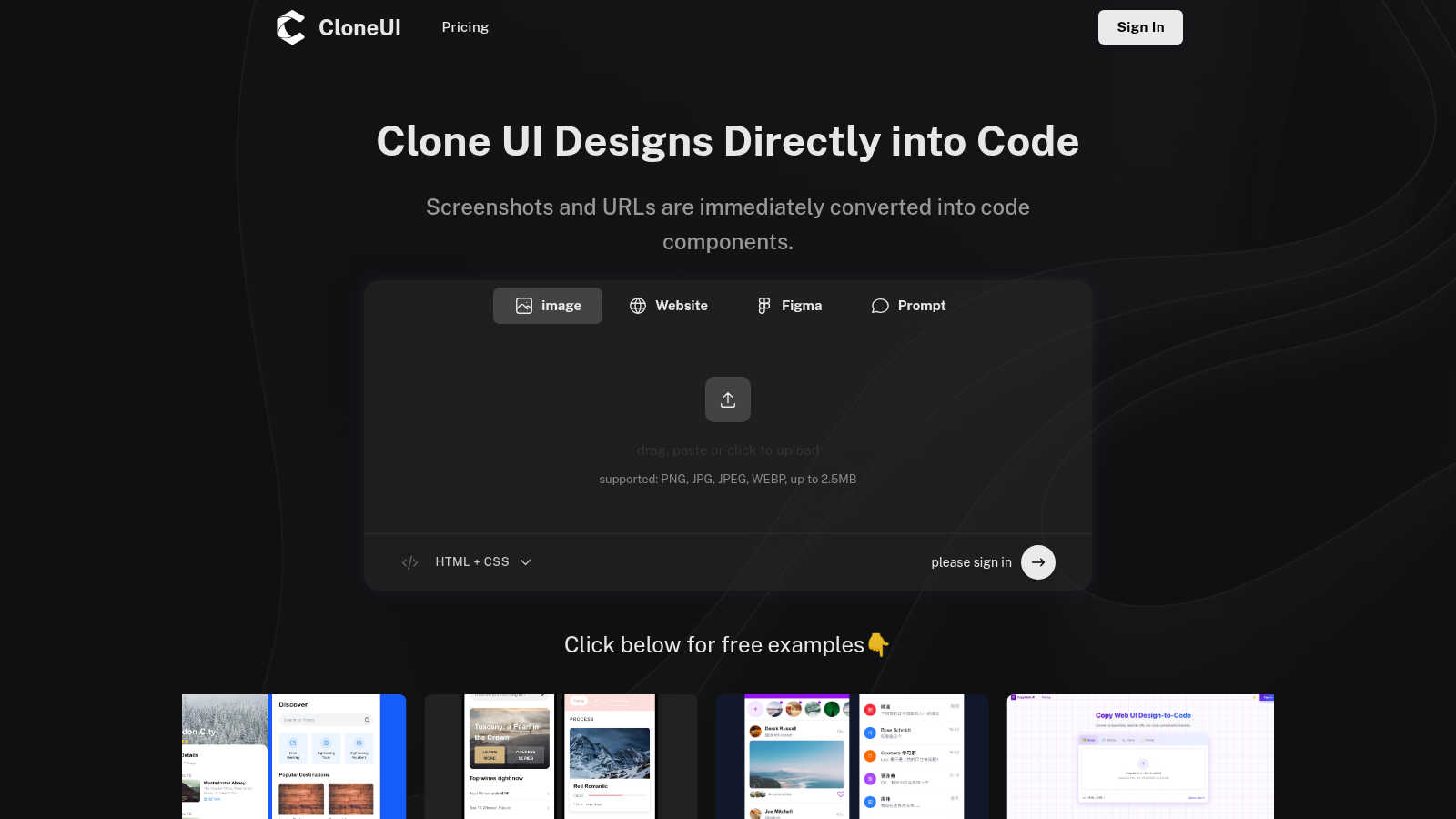
CloneUI seamlessly converts website screenshots and URLs into responsive, production-ready React, HTML, or Vue code.
Last updated: March 1, 2026

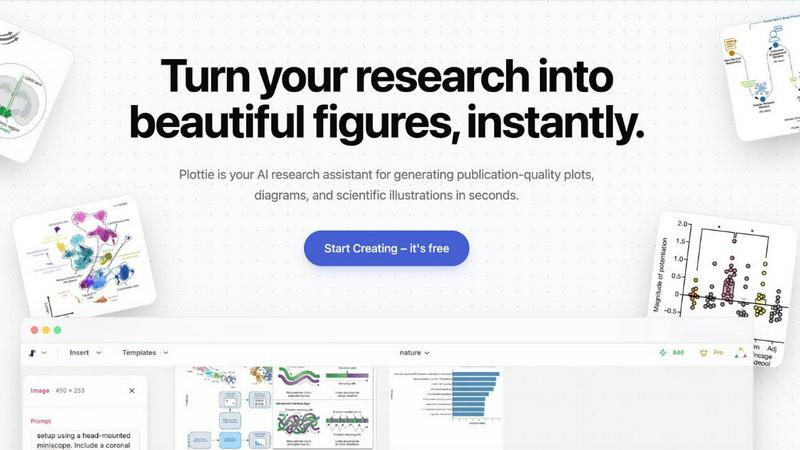
Plottie effortlessly transforms your data into stunning, publication-ready scientific figures in seconds, no coding.
Last updated: February 28, 2026
Visual Comparison
CloneUI
Plottie
Feature Comparison
CloneUI
URL to Code
Effortlessly clone entire website structures by simply entering a URL. CloneUI captures the essence of the original site, providing a comprehensive code output that mirrors the design, ensuring that developers can recreate complex layouts with minimal effort.
Screenshot to Code
Transform your design screenshots into pixel-perfect code in seconds. By uploading a PNG, JPG, JPEG, or WEBP file, CloneUI generates clean, responsive HTML and CSS, allowing designers to focus on creativity rather than coding intricacies.
Figma to Code
CloneUI offers a seamless one-click conversion from Figma designs directly into code. This feature enhances collaboration between designers and developers by streamlining the process of translating design files into production-ready code without losing fidelity.
Intelligent Component Recognition
Utilizing advanced AI technology, CloneUI identifies and maps UI components automatically. This intelligent recognition ensures that every element of your design is accurately represented in the generated code, allowing for a smoother integration into your projects.
Plottie
AI-Powered Figure Generation
Plottie's AI editor allows users to create publication-ready figures from simple text descriptions. By understanding scientific context, it transforms user inputs into high-quality visualizations without requiring any coding skills.
Extensive Plot Database
With access to over 100,000 high-quality plots extracted from elite journals like Nature and Science, users can browse a diverse array of visualizations including scatter plots, heatmaps, and bar charts to inspire their own work.
Infinite Canvas Workspace
Plottie's infinite canvas feature enables users to organize multiple plots, diagrams, and notes in a single, expansive workspace. The AI auto-arranges these elements, providing a clean and organized layout for seamless project management.
High-Resolution Export Options
Users can easily export their finished visualizations in various formats including PNG, PDF, and SVG with just one click. This feature ensures that all images maintain clarity and quality, meeting the demands of academic publications.
Use Cases
CloneUI
Rapid Prototyping
Designers can quickly create prototypes by converting screenshots or URLs into usable code, enabling faster iterations and feedback cycles. This use case is ideal for teams aiming to expedite the design validation process without sacrificing quality.
E-commerce Development
CloneUI simplifies the development of e-commerce sites by allowing developers to replicate successful online store designs. By generating responsive code from existing sites, teams can launch their projects faster while ensuring a competitive edge in design.
Portfolio Creation
Creative professionals can effortlessly build stunning portfolios by converting their design concepts into code. CloneUI provides an efficient way to showcase work, allowing users to focus on presentation rather than the complexities of coding.
Landing Page Optimization
Marketers and developers can use CloneUI to quickly create engaging landing pages. By cloning high-converting designs, users can implement best practices in web design, enhancing user engagement and conversion rates.
Plottie
Academic Research
Researchers can utilize Plottie to create complex figures that convey intricate scientific data clearly and effectively, saving valuable time during the manuscript preparation process.
Conference Presentations
Plottie is an essential tool for academics preparing for conferences. It allows users to generate eye-catching visuals that enhance their presentations and communicate their findings more effectively.
Grant Proposals
When drafting grant proposals, researchers can rely on Plottie to produce professional-quality figures that illustrate their research objectives and methodologies, enhancing the proposal's overall impact.
Educational Materials
Students and educators can leverage Plottie to create informative and visually appealing diagrams and illustrations for textbooks, lectures, or online courses, enriching the learning experience.
Overview
About CloneUI
CloneUI is an innovative AI-powered web cloning tool that transforms the tedious process of converting website designs into production-ready code. Designed for both novice designers and seasoned developers, CloneUI empowers users to effortlessly generate clean HTML, CSS, and framework-specific code by simply uploading a screenshot or entering a URL. This revolutionary tool streamlines the design-to-code workflow, significantly reducing the time and effort typically associated with manual coding. With intelligent component recognition technology, CloneUI accurately identifies and maps each design element to its corresponding code components, ensuring a seamless and precise transition from concept to reality. Whether you are crafting sophisticated landing pages, dynamic e-commerce sites, or personal portfolios, CloneUI equips you with the tools to bring your creative visions to life with remarkable efficiency and precision. Experience the future of web development and design with CloneUI, where the boundaries between creativity and technology dissolve.
About Plottie
Plottie is an innovative, AI-powered scientific figure platform that empowers researchers, students, and academics to create publication-quality visualizations effortlessly. With a rich database of over 100,000 meticulously curated plots sourced from prestigious open-access journals, Plottie serves as a vital resource for those in the scientific community. Its intelligent AI editor allows users to generate high-quality figures from scratch, utilizing plain language to describe their needs. This unique feature eliminates the need for complex coding or expensive software licenses, making it accessible to everyone, regardless of technical expertise. Trusted by researchers at leading institutions such as Stanford, MIT, and Harvard, Plottie simplifies the often tedious process of transforming raw data into compelling visual stories. Whether you are preparing a grant proposal, crafting a conference poster, or writing a research paper, Plottie provides a seamless, single workspace for discovering, creating, and refining scientific visualizations, all while maintaining a focus on precision and clarity.
Frequently Asked Questions
CloneUI FAQ
Which input formats are compatible with CloneUI?
CloneUI supports various image formats, including PNG, JPG, JPEG, and WEBP, with a maximum file size of 2.5MB. This versatility allows users to upload their design screenshots seamlessly, enhancing the cloning process.
How is the code generated?
The code is generated through advanced AI algorithms that analyze the input design or URL. CloneUI's intelligent component recognition technology ensures that each design element is accurately translated into corresponding HTML, CSS, or framework-specific code.
Supported frameworks?
CloneUI allows export to popular frameworks such as React, Vue, and plain HTML/CSS. This flexibility ensures that developers can integrate the generated code into their preferred tech stack, streamlining the development process.
Is the generated code customizable?
Yes, the generated code can be customized to meet specific project requirements. While CloneUI aims to provide clean, production-ready code, developers have the flexibility to modify the output based on their unique needs and preferences.
Plottie FAQ
Is Plottie free to use?
Yes! Plottie offers a generous free tier that allows you to generate unlimited plots and export them in standard quality. Additionally, Pro plans are available for high-resolution vector exports and advanced AI features.
Which AI models does Plottie use?
Plottie employs domain-specific AI models that are fine-tuned on scientific literature and datasets. This ensures that the generated figures are not only visually appealing but also scientifically accurate.
Do I own the copyright to the images generated?
Absolutely. Users retain 100% of the rights to all images and charts created with Plottie, allowing for royalty-free use in academic publications, posters, and presentations without the need for additional permissions.
Is my uploaded data used to train your AI?
No, your data privacy is our utmost priority. Uploaded data is not utilized to train Plottie's AI, ensuring that your information remains confidential and secure.
Alternatives
CloneUI Alternatives
CloneUI is an innovative AI-powered tool that belongs to the realm of design and development, specifically aimed at transforming website screenshots and URLs into responsive, production-ready code. Users often seek alternatives to CloneUI due to various reasons such as pricing concerns, specific feature requirements, or compatibility with different platforms. The desire for enhanced functionality or a more user-friendly interface can also drive the search for alternatives. When selecting an alternative, it is crucial to consider key factors like the ease of use, the accuracy of code generation, and the variety of supported design formats. Additionally, look for tools that offer seamless integration with existing workflows and provide robust support to ensure a smooth transition and optimal productivity.
Plottie Alternatives
Plottie is an innovative, AI-powered platform designed specifically for researchers, students, and academics in the realm of scientific figure generation. It serves as a comprehensive solution, streamlining the creation of publication-ready figures from a vast database of high-quality plots, enabling users to focus on their research rather than the intricacies of data visualization. Users often seek alternatives to Plottie due to various reasons including pricing structures, specific feature sets, or platform compatibility. When exploring alternatives, it is essential to consider factors such as ease of use, the quality of output, support for diverse data types, and the flexibility of the platform to meet unique project demands. Additionally, a focus on user support and integration capabilities can significantly enhance the overall experience.