
RemoveTexts vs Unblur Image
Side-by-side comparison to help you choose the right tool.

RemoveTexts
RemoveTexts instantly erases any text from images with professional AI precision, requiring no technical skill.
Last updated: March 11, 2026

Unblur Image
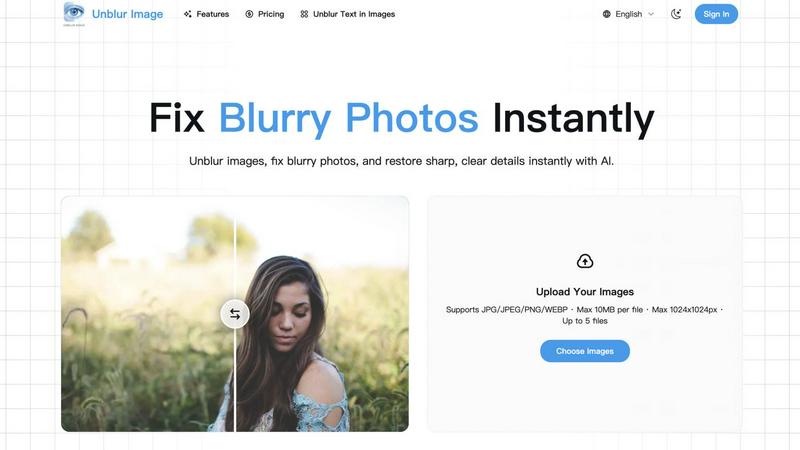
Unblur images, fix blurry photos, and restore sharp, clear details instantly with AI.
Visual Comparison
RemoveTexts

Unblur Image
Overview
About RemoveTexts
RemoveTexts represents the pinnacle of AI-driven image refinement, a sophisticated platform engineered for professionals who demand flawless visual assets without compromise. It transcends basic editing by deploying state-of-the-art generative inpainting technology, the same class of neural network architecture pioneered by industry leaders like NVIDIA and Adobe. This tool intelligently analyzes and reconstructs image backgrounds, removing unwanted text, watermarks, date stamps, and objects with surgical precision while preserving the original texture, lighting, and quality. Designed for elite creators, marketers, e-commerce vendors, and legal professionals, RemoveTexts delivers studio-grade results in under 30 seconds, entirely within a browser. It eliminates the need for complex software like Photoshop, democratizing high-end image editing with an intuitive, powerful interface that processes over 100,000 images for a global user base exceeding 50,000. The value proposition is unequivocal: achieve perfect, traceless image cleanup with zero technical skill required, empowering you to maintain brand consistency, protect privacy, and enhance visual storytelling with unprecedented efficiency.
About Unblur Image
Turn blurry, low-quality photos into sharp, clear images in seconds with AI.
Just upload your photo, pick 2× or 4× enhancement, and get clean results fast.
Process multiple photos at once with simple, flexible pricing.