
Ironback vs Prompt Builder
Side-by-side comparison to help you choose the right tool.

Ironback
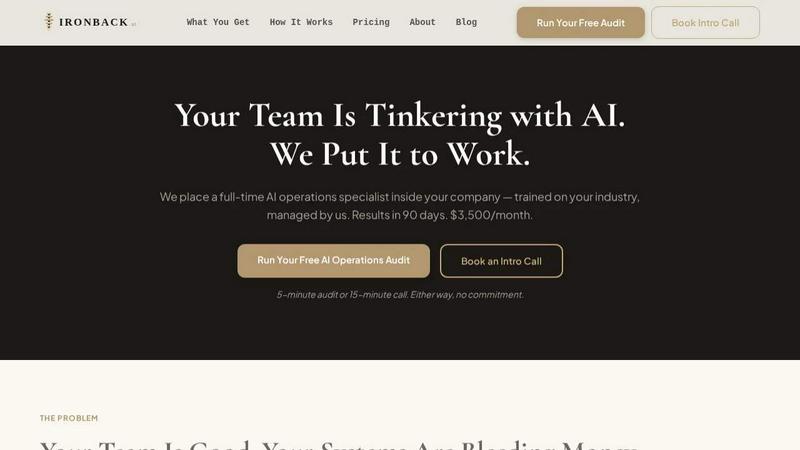
Transform your business with Ironback, your dedicated AI operations specialist, delivering results in 90 days for optimal efficiency and savings.
Last updated: April 4, 2026

Prompt Builder
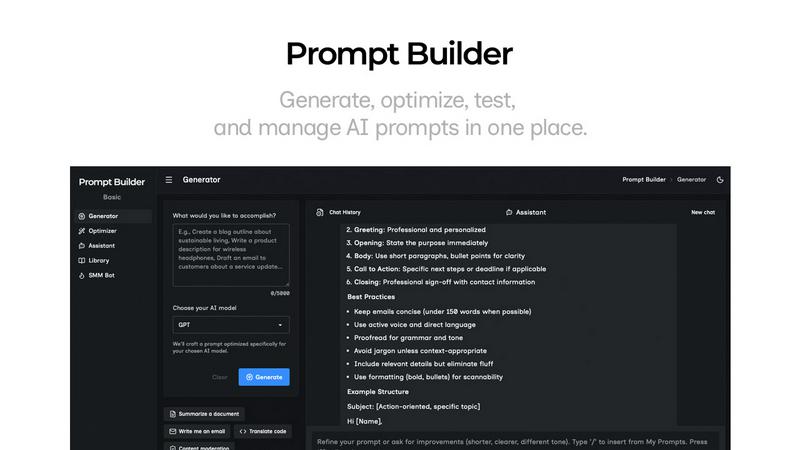
Generate, optimize, test, and manage AI prompts in one place. Turn an idea into a ready-to-use prompt in seconds.
Visual Comparison
Ironback
Prompt Builder
Overview
About Ironback
Ironback.ai is revolutionizing the service industry by embedding full-time AI operations specialists within your company. Designed for service-based businesses, Ironback addresses the inefficiencies that plague daily operations, such as missed calls, delayed estimates, and cumbersome compliance processes. By integrating a dedicated AI specialist, Ironback provides bespoke solutions tailored to your unique operational needs, ensuring that your team can focus on delivering exceptional service rather than getting bogged down by administrative tasks. Our specialists are not temporary consultants; they are fully integrated members of your team, trained in your specific industry and managed by our experts to guarantee optimal performance. With Ironback, companies can expect substantial cost savings—over $50,000—within the first two weeks of assessment, thereby transforming operational capabilities and enhancing overall productivity.
About Prompt Builder
Prompt Builder is a prompt engineering workspace for writing, testing, and saving prompts. Describe the task in plain English, and it helps you create a prompt that matches the model you choose. Start with a draft, refine it in chat, save or pin versions, then run them when you are ready. It works with GPT, Claude, Gemini, Llama, Mistral, DeepSeek, Grok, Perplexity, and more. You also get an Optimizer, an assistant for quick tests, and a library of reusable prompts and templates from the community. Turn an idea into a ready-to-use prompt in seconds. Refine it in chat, save it to your Library, and run it anytime.